 Kilnframe Desktop
DOCS
Kilnframe Desktop Docs
START HERE
Your first video
From a raw recording to an exported video in ten steps: transcribe, cut the pauses and retakes, add an animation and captions, set the loudness, export for YouTube.
Read the walk-through →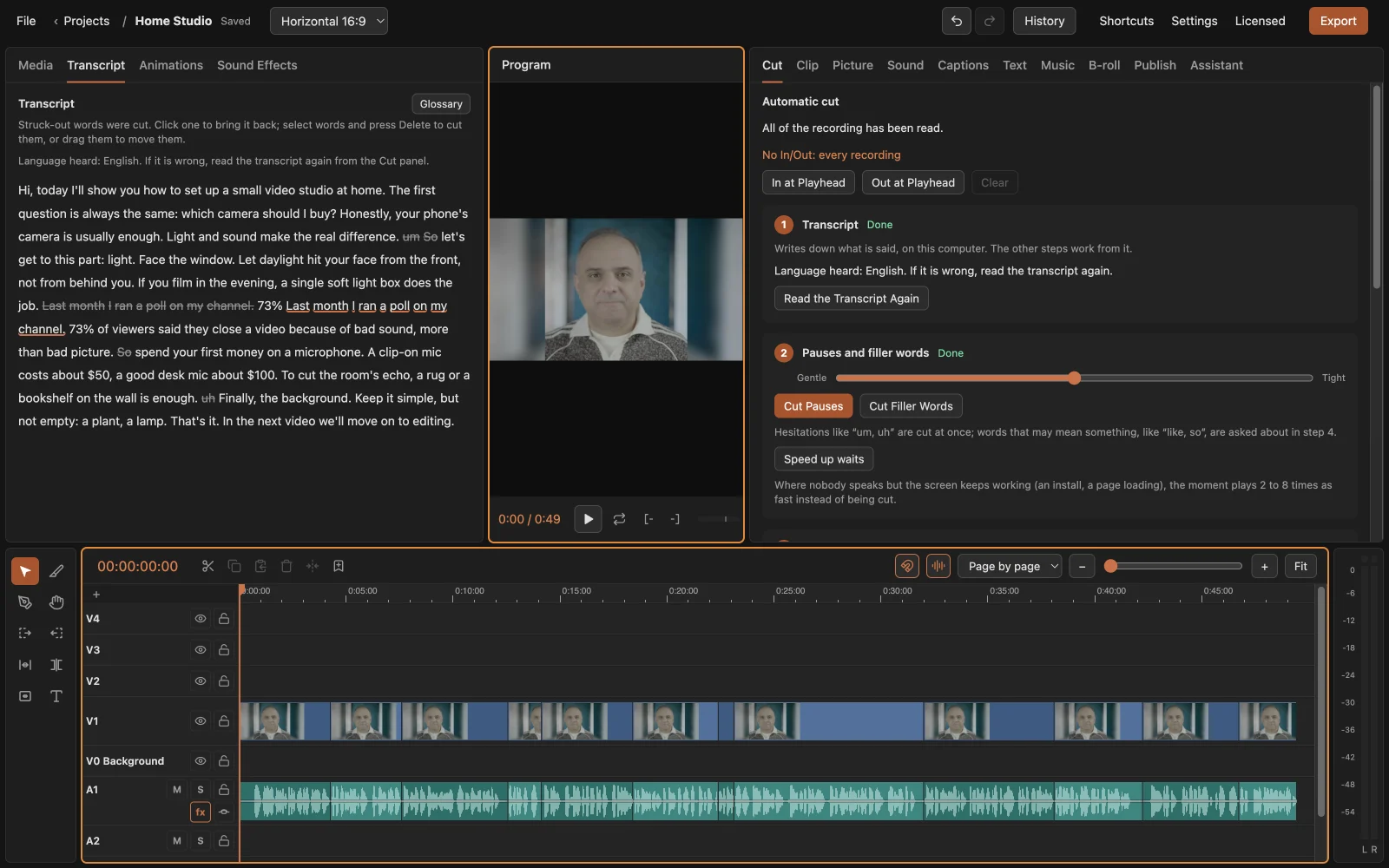
Getting started
Panels
Guides
- Correct words and say them again
- Animation styles and your own
- Colour
- Screen tutorials
- Record screen and camera
- Multicam and speakers
- Blur faces and areas
- Green screen
- Motion and keyframes
- Speed, slow motion, freeze and reverse
- Sequences
- Short clips
- Translation and dubbing
- Story from a topic
- Brand kits and fonts
- Find in footage
- Export
- Running work and asked work