 Kilnframe Desktop
Translation and dubbing
Your AI model translates what you say into other languages, as subtitles; a voice can read them as a dub.
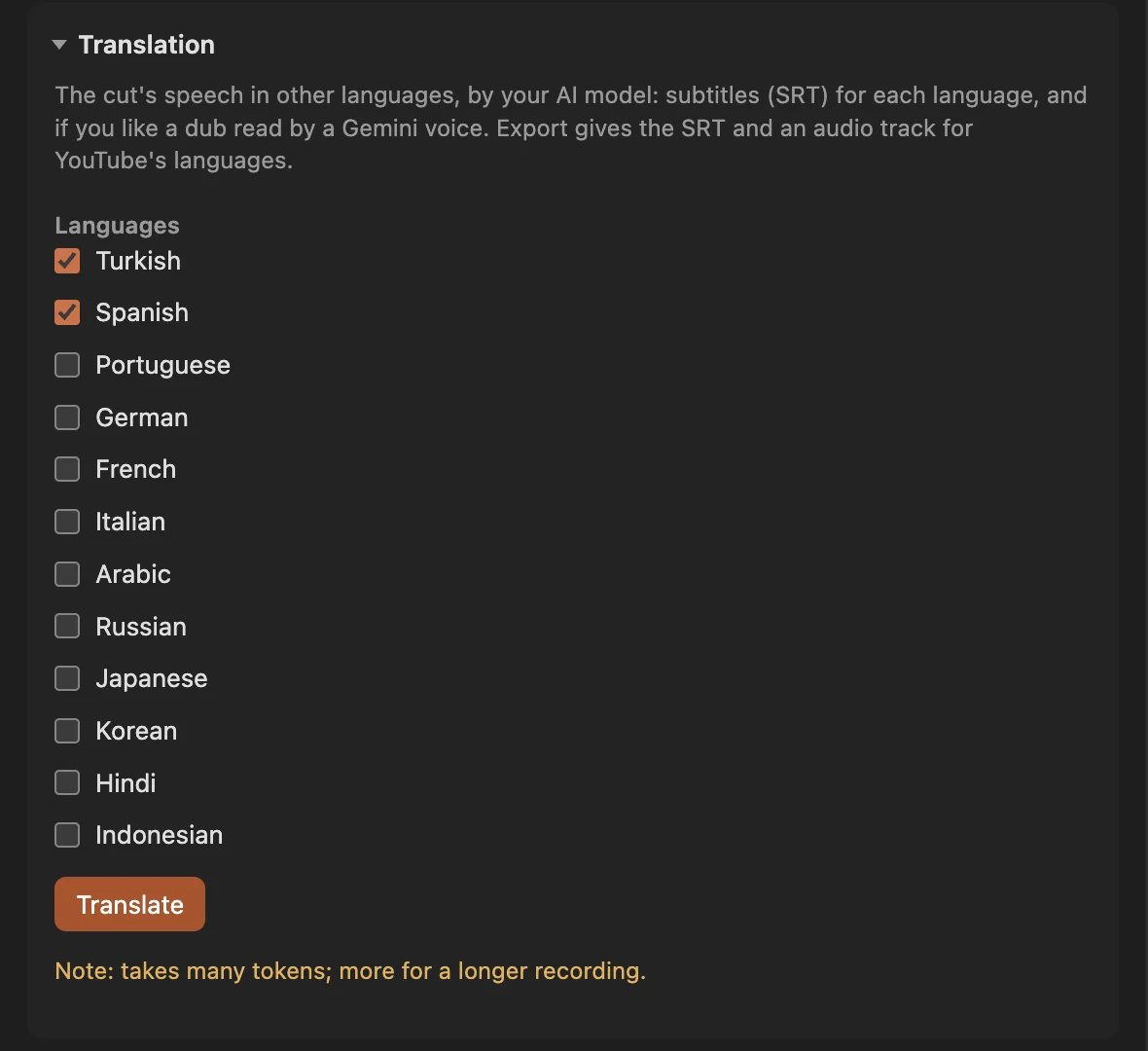
Translate
- Choose the languagesIn Publish › Translation, pick the Languages.
- TranslatePress Translate. Names in the glossary keep your spelling. Each language shows Subtitles ready when done.
- Check the linesEdit Lines opens them. Correct a line and press Enter; its time stays.
Dub
Dub has a language read aloud by a Gemini voice (choose it under Voice for …). A dub reads the old line until you press Dub Again. This needs a Gemini key.
Export
Export… in the Translation section gives the subtitles (SRT) and an audio track for each language, ready for YouTube's languages.
If you change the cut after translating, the section says so: translate again.